Remove PDF Pages
Easily delete unwanted pages from your PDF file with a few clicks.
Delete Pages from PDF
Select and remove the PDF pages you don’t need, securely and for free.
or drop PDF here

How to Remove Pages from a PDF for Free
Easily delete pages from a PDF document with SpacePDF’s secure and intuitive online tool. Clean up your files by removing unnecessary pages in just a few clicks. Your files are processed entirely in your browser, ensuring your data remains 100% private and is never uploaded to a server.
Why Use Our Free PDF Page Remover?
- Unmatched Privacy: Your files stay on your computer. All processing to remove PDF pages is done client-side, guaranteeing that your sensitive documents are never uploaded or stored.
- Completely Free & Unlimited: Delete pages from as many PDFs as you need, with no limits. There are no subscriptions, hidden fees, or sign-up requirements.
- Simple & Fast Interface: Just click the pages you want to remove. Our visual preview makes it easy to select single pages, multiple pages, or even ranges with our search function.
- Works on Any Device: Whether you need to remove a page from a PDF on Mac, Windows, or your mobile phone, our tool works seamlessly in any modern web browser.
How to Delete Pages from a PDF in 4 Steps
Our intuitive online tool simplifies the process. Follow these steps to quickly remove pages from your PDF file:
-
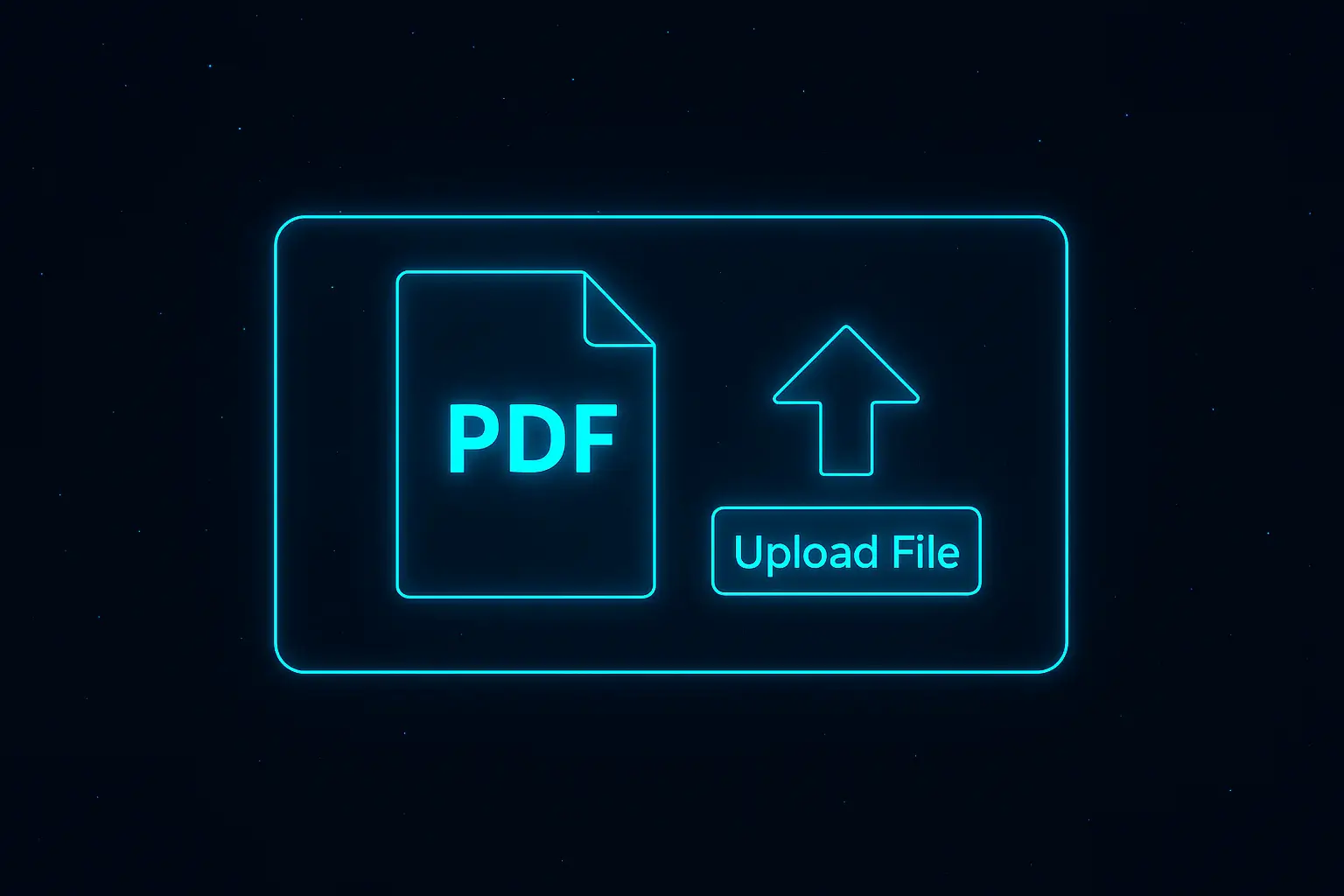
1. Upload Your PDF Document
First, click the “Select PDF File” button or drag and drop your file into the upload zone. The tool will quickly load a preview of all your pages.
-
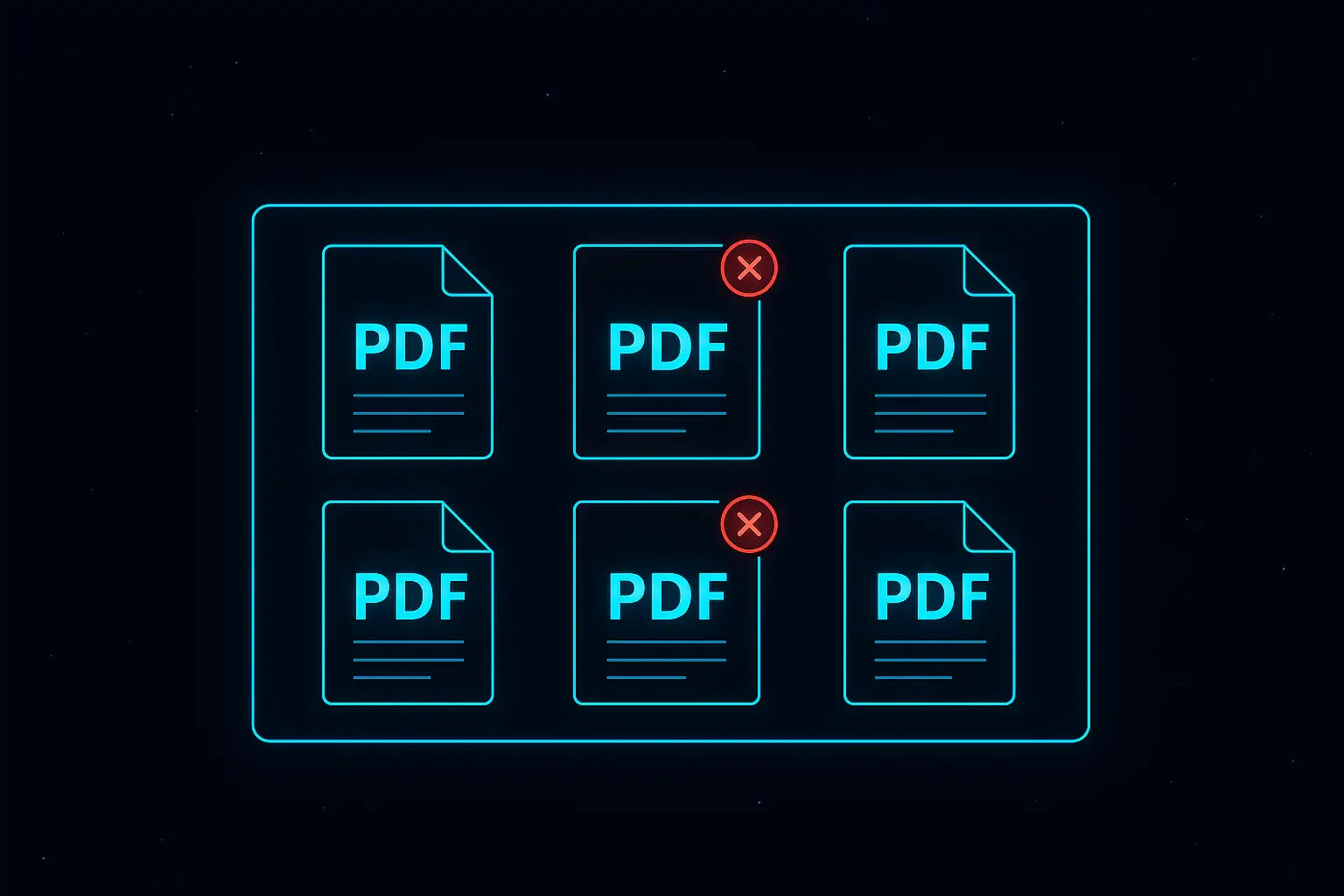
2. Select Pages to Delete
Next, simply click on the thumbnail of each page you want to remove. A red ‘X’ will confirm your selection. Use the search bar to find pages by number or range (e.g., “5”, “3-7”).
-
3. Confirm the Removal
Once you have selected all the pages you wish to delete, click the “Remove Selected Pages” button to process your document instantly.
-
4. Download Your New PDF
Finally, your modified PDF is ready. Click the “Download PDF” button to save the new, smaller file to your device. Your original file remains untouched.

Frequently Asked Questions
Yes, it is 100% safe. SpacePDF’s tools operate entirely in your browser (client-side). This means your files are never uploaded to our servers, ensuring your confidential documents remain private.
Absolutely. You can click to select as many individual pages as you need. For larger documents, you can use the search bar to select pages by number (e.g., `5, 8, 12`) or in ranges (e.g., `10-15`).
No. When you remove PDF pages with our tool, the quality of the remaining pages is perfectly preserved. All text, images, and formatting will look exactly the same as the original.